Styles
XenForo Styles
4 files
-
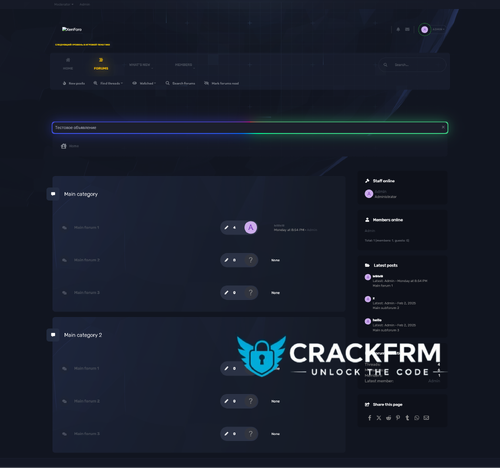
I used the base for the Nexxe style, made a copy for the Sendo style. There are no settings in the style from me, you can go through the templates and use something for your styles.
- 2 Downloads
Submitted -
Pro Blue is a version that ForumPeers.com used back in early 2000's for vBulletin forum that was up and going...
I have done the same look or similar to it with 2.0 of XenForo...
So if you find any bugs or anything you wanna change with it...go ahead and change them and let me know what you think of the style for XF 2.0, 2.1 and 2.2
- 0 Downloads
Submitted -
- 7 Downloads
Updated -
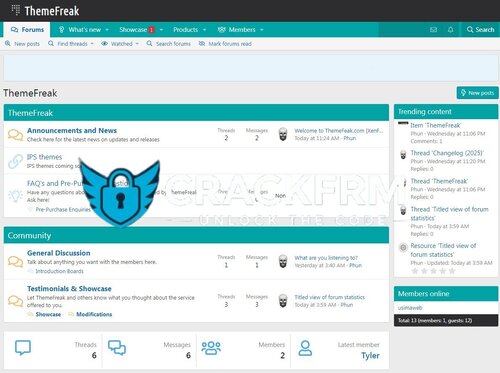
It has great features and great code quality. It was developed after careful research to meet the requirements of people interested in creating custom catalogues. The design is modern, but at the same time focuses on usability, visual hierarchy and aesthetics to ensure an easy navigation experience for end users. With Fantastic Pro you have both light and dark versions. This way you get two themes.
- 4 Downloads
Updated