
Jump to content
View in the app

A better way to browse. Learn more.

DecodeHub - Reverse Engineering, Crackmes, Software & Coding

A full-screen app on your home screen with push notifications, badges and more.

To install this app on iOS and iPadOS
  1. Tap the Share icon in Safari
  2. Scroll the menu and tap Add to Home Screen.
  3. Tap Add in the top-right corner.
To install this app on Android
  1. Tap the 3-dot menu (⋮) in the top-right corner of the browser.
  2. Tap Add to Home screen or Install app.
  3. Confirm by tapping Install.

phoneix

Team Member
  • Joined

  • Last visited

Files posted by phoneix

  1. [TR]
    Nasıl Kullanılır ?
    İndirdiğiniz RAR'ı masaüstünde bir klasöre çıkartın, IDA Professional v9.0.24.0807.exe 'yi yönetici olarak açın.
    Kurulumu yaptıktan sonra C:\Program Files\IDA Professional 9.0 Klasörüne gelin ve indirdiğiniz herşeyi buraya atın.
    [EN]
    How to Use ?
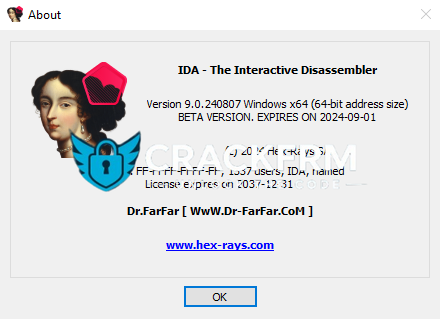
    Extract the downloaded RAR file to a folder on your desktop, then run IDA Professional v9.0.24.0807.exe as an adminisrator.
    After completing the installation, go to C:\Program Files\IDA Professional 9.0 and copy everything you downloaded into this folder.
    • 39 Downloads
    • 1 Comments
    Updated
  2. [TR]
    Bu RAR'ın içerisinde gerçekten çok önemli bilgiler var.
    Birçok bilgiyi buradan alabilirsiniz
    [EN]
     
    This rar contains truly important information.
    You can find a lot of information here.
     
    LANGUAGES
      RU ✔️
        ENG ✔️
            TR  ❌      
    • 23 Downloads
    • 4 Comments
    Updated
  3. [TR]
    Nasıl Kullanılır ?
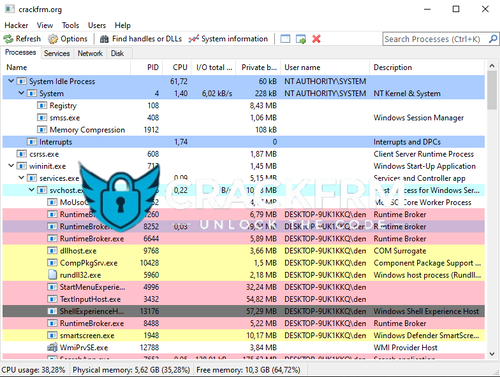
    - İndirdiğiniz crackfrm_ProcessHacker.rar dosyasını bir klasöre çıkartın ve crackfrm_PH.exe dosyasını yönetici olarak çalıştırın.
     
    [EN]
    How To Use ?
    Extract the crackfrm_ProcessHacker.rar to a folder then open crackfrm_PH.exe with administrator privileges. 
    • 31 Downloads
    • 3 Comments
    Submitted

Important Information

Terms of Use

Configure browser push notifications

Chrome (Android)
  1. Tap the lock icon next to the address bar.
  2. Tap Permissions → Notifications.
  3. Adjust your preference.
Chrome (Desktop)
  1. Click the padlock icon in the address bar.
  2. Select Site settings.
  3. Find Notifications and adjust your preference.