null1
Full Member
-
Joined
-
Last visited
Everything posted by null1
-
 Hocam user mode only yazmışsınızda kernel tarafından bir icotl ile dead spaceace offset tarama yaparsak yine blue screen alıyor muyuz? bunu engellemiyor sanırım?
 -
videonun son 1 dakikasını izlemediğim için o kısmı kaçırmışım. öncelikle orijinal exe yi ardından patcheri açmak gerekiyormş.. https://www.youtube.com/watch?v=2OJX4Eyrbkw&t=997s
-
Merhaba, vmp geçmeden patchlediğim zaman rahatlıkla crackleyebiliyorken vmp geçtikten sonra 1337 patchleyince çalışmıyor. birebir aynı işlem neden olabilir? Source ve exe yi bırakıyorum aşşağıya. Cracked vmp kullandıgım için unsafe olarak gözüküyor. https://github.com/bukle1/basiccrackme/blob/main/main.cpp https://dosya.co/ce8ztmjfig17/crackme.vmp.exe.html https://www.virustotal.com/gui/file-analysis/MDJkZTc1NzRiNGE1ZmJjNzRiNjlmODE0NjFkNGJmOGY6MTc2NTQyNTYyNQ== https://www.youtube.com/watch?v=Dc4wohoeLDs
-
vaktin oldugunda bakarsan sevinirim. nerede yanlış yapıyorum acaba?
-
1337 olarak almıyorum hocam direkt yamalama kısmından exe olarak aldıgımda örneğin 10/10 patched diye geliyor. bilmiyorum belki burada yanlış yapıyorumdur
-
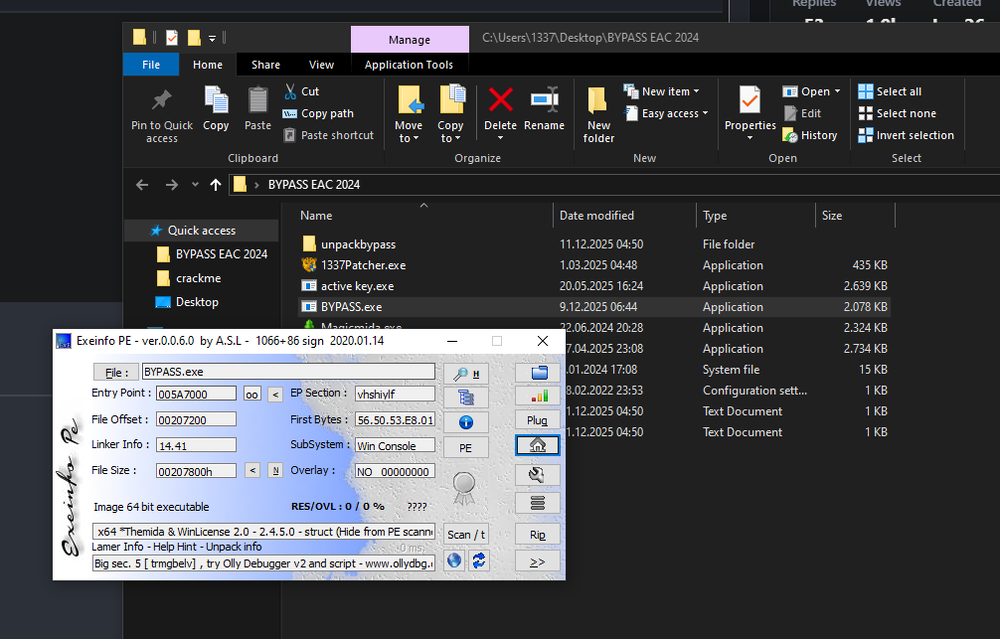
64 bit sürümü çalıştı unpackledi teşekkür ederim. patchleyebiliyorum fakat sonrasında patchli exe yi açtıgımda bu şekilde hata veriyor.
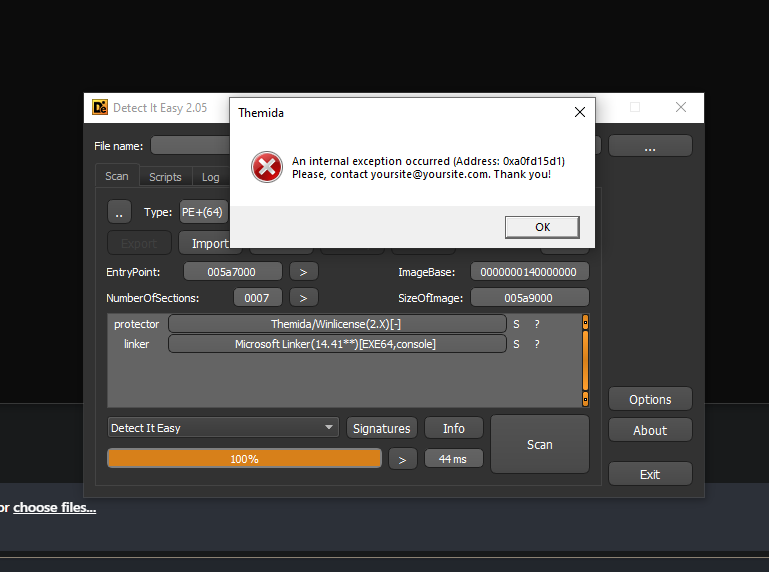
-
hata veriyor bu şekilde
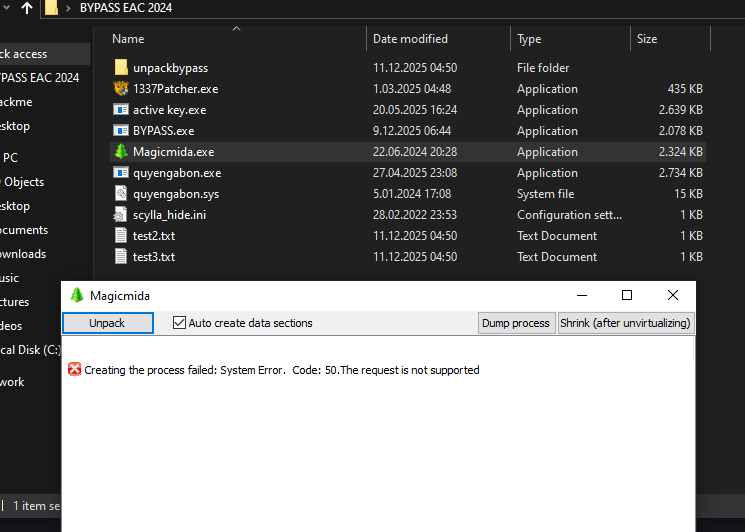
-
güzel paylaşım denemek lazım. eline sğalık
-
thanks
-
thanks for sharing.
-
thanks for sharing.
-
thanks for sharing.
-
thanks for sharing.
-
thanks for sharing.
-
thanks for sharing.
-
thanks for sharing.
-
thanks for sharing.
-
thanks for sharing.
-
thanks for sharing.
-
thanks for sharing.
-
thanks for sharing.
-
thanks for sharing.
-
thanks for sharing.
-
thanks for sharing.
-
thanks for sharing.