AndreyAsasin
Member
-
Joined
-
Last visited
Everything posted by AndreyAsasin
-
Teşekkürler
-
Teşekkürler
-
thx
-
Teşekkürler
-
Teşekkürler
-
Teşekkürler
-
Teşekkürler
-
Teşekkürler
-
Teşekkürler
-
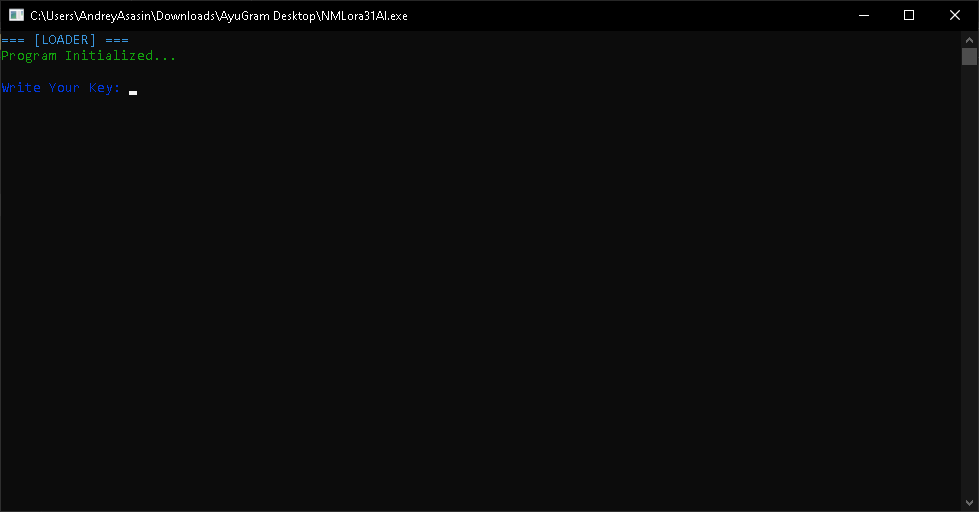
🔹 Program Name & Version: NMLora31AI.exe 🔹 Protection Analysis (DIE, PEiD, ProtectionID results): Library: Microsoft C/C++ Runtime[dynamic] Sign tool: Windows Authenticode(2.0)[PKCS #7] Protector: VMProtect(new )[DS] (Heur)Protection: Generic[Strange sections] (Heur)Packer: Compressed or packed data[High entropy + Section 6 (".,s5") compressed] Certificate: WinAuth(2.0)[PKCS #7] 🔹 Any Extra Protections (e.g. disk wiper, BSOD, VM detection): Not Checked | MAKE SURE TO MENTION IT! If there are any additional operations like cFucker etc. and you do not specify them, you will be BANNED. 🔹 What Does the Program Do?: Valorant ESP Cheat Loader 🔹 Supported Systems & Architectures (e.g. Windows 10-11 x64 & x32): Win 10 & 11 - x32-x64 🔹 Screenshot(s) of the Program: (You can upload directly or use an external image host.) 🔹 Limitations (e.g. trial restrictions, locked features): Key Required 🔹 Download Link (Preferably original or clean source): Download The Loader 🔹 Additional Notes (Optional):