Jump to content
View in the app

A better way to browse. Learn more.

DecodeHub - Reverse Engineering, Crackmes, Software & Coding

A full-screen app on your home screen with push notifications, badges and more.

To install this app on iOS and iPadOS
  1. Tap the Share icon in Safari
  2. Scroll the menu and tap Add to Home Screen.
  3. Tap Add in the top-right corner.
To install this app on Android
  1. Tap the 3-dot menu (â‹®) in the top-right corner of the browser.
  2. Tap Add to Home screen or Install app.
  3. Confirm by tapping Install.

EazFUSCATOR .net v2025.1 Trial Remover

(2 reviews)

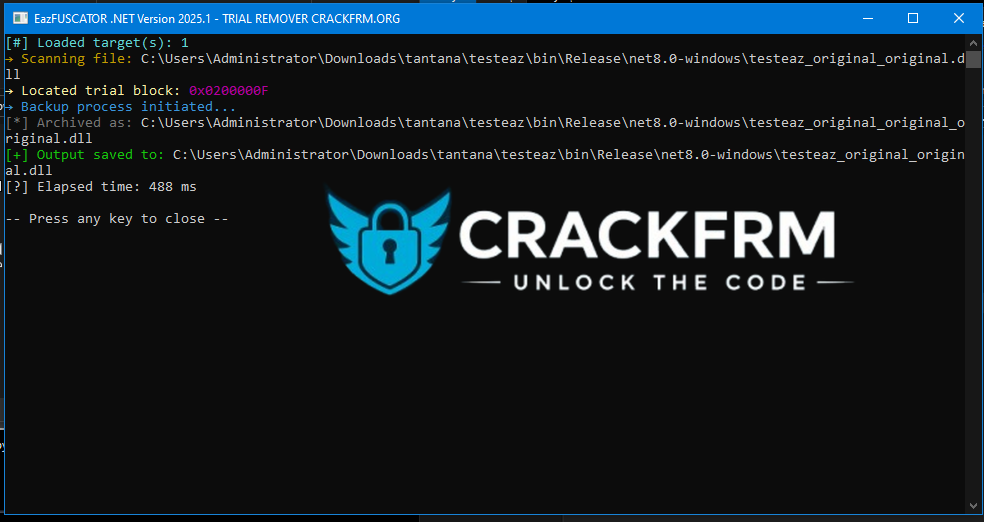
1 Screenshot


How to Use
Simply drag and drop your obfuscated file onto the Trial Remover — that’s it!

Which Versions Are Supported?
Supports all versions up to and including v2025.1 (the latest version).

This tool permanently removes the 1-week trial limitation from applications protected with Eazfuscator .NET 2025.1 and earlier versions.
It’s important to note that this project is a modernized and updated version of an old tool originally shared by Cappo on GitHub, now adapted to work with the latest version of Eazfuscator.

If you’d like to support this project and gain access to more exclusive tools, consider becoming a VIP member and join us in future developments.

Requirements

Operating System: Windows OS

.NET 7.0: You can download and install .NET 7.0


User Feedback

You may only provide a review once you have downloaded the file.

   1 of 1 member found this review helpful 1 / 1 member

thx

   1 of 1 member found this review helpful 1 / 1 member

ITS REALLY GREAT.I REALLY LIKE IT...

Important Information

Terms of Use

Configure browser push notifications

Chrome (Android)
  1. Tap the lock icon next to the address bar.
  2. Tap Permissions → Notifications.
  3. Adjust your preference.
Chrome (Desktop)
  1. Click the padlock icon in the address bar.
  2. Select Site settings.
  3. Find Notifications and adjust your preference.