






El Escarabajo
Moderator
-
Joined
-
Last visited
Everything posted by El Escarabajo
-
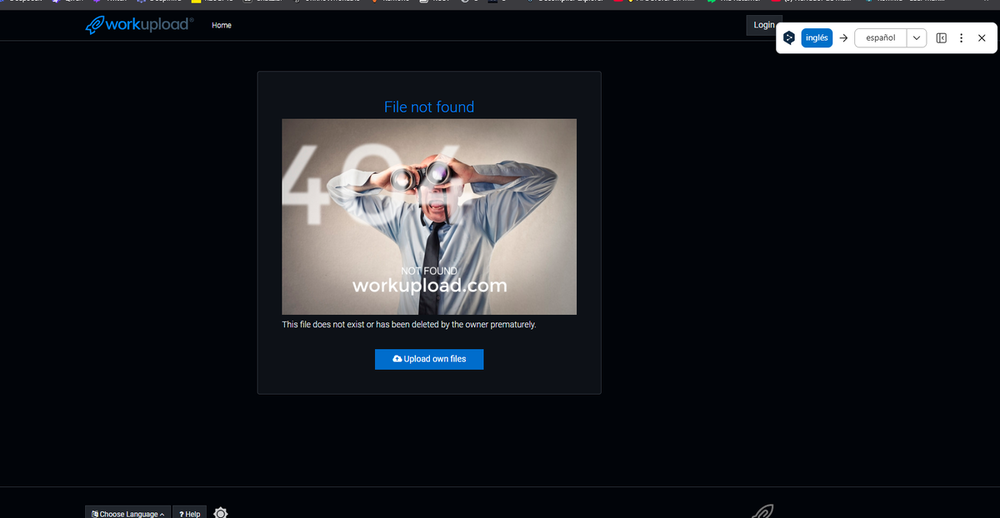
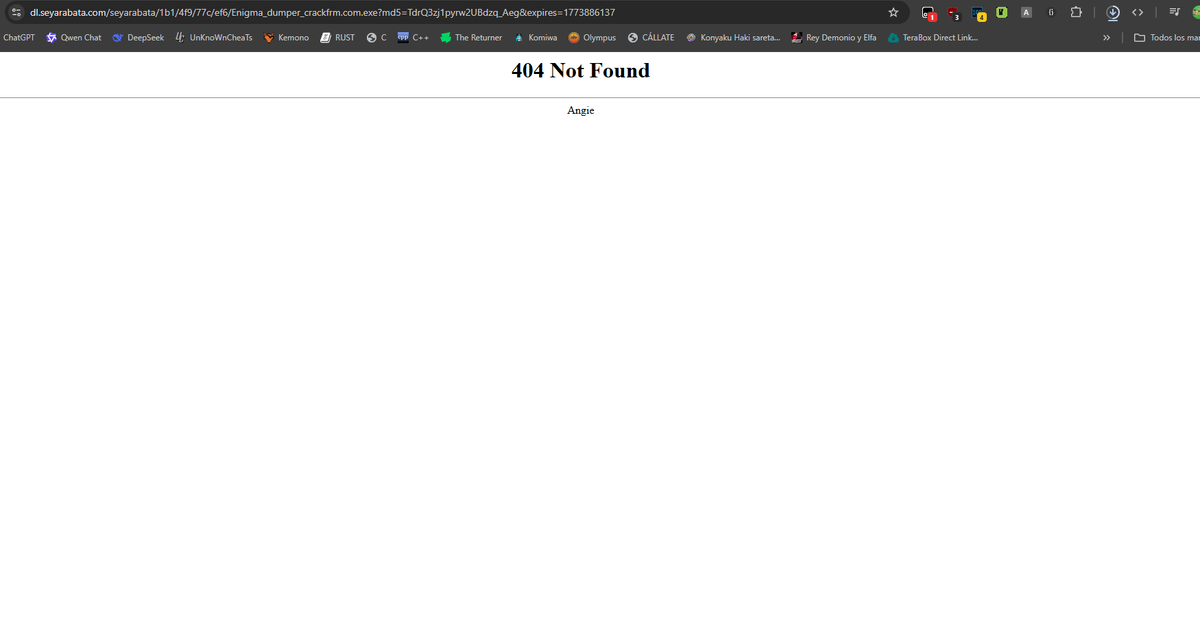
The program won't even open and it's not in C#; it's in C/C++Thanks beibyHello, I'm posting this request to see if anyone can help me unobfuscate and deobfuscate Adguard.exe. https://www.mediafire.com/file/g9u16rn18kj2mjn/Adguard.exe/file .exe officialThis content does not exist The content you are looking for could not be found. Possible reasons include: The content has been inactive for an extended period and has been automatically removed. The content has been deleted by the owner.For some reason, it's still throwing the same 404 error.link no work
 ThxThanksThanksThanksThanksthanks for sharing.thanks for sharing.thanks for sharing.Thanks sir,Thanks sirThanks sirThanks sir



Important Information
Account
Navigation
Search
Configure browser push notifications
Chrome (Android)
- Tap the lock icon next to the address bar.
- Tap Permissions → Notifications.
- Adjust your preference.
Chrome (Desktop)
- Click the padlock icon in the address bar.
- Select Site settings.
- Find Notifications and adjust your preference.
Safari (iOS 16.4+)
- Ensure the site is installed via Add to Home Screen.
- Open Settings App → Notifications.
- Find your app name and adjust your preference.
Safari (macOS)
- Go to Safari → Preferences.
- Click the Websites tab.
- Select Notifications in the sidebar.
- Find this website and adjust your preference.
Edge (Android)
- Tap the lock icon next to the address bar.
- Tap Permissions.
- Find Notifications and adjust your preference.
Edge (Desktop)
- Click the padlock icon in the address bar.
- Click Permissions for this site.
- Find Notifications and adjust your preference.
Firefox (Android)
- Go to Settings → Site permissions.
- Tap Notifications.
- Find this site in the list and adjust your preference.
Firefox (Desktop)
- Open Firefox Settings.
- Search for Notifications.
- Find this site in the list and adjust your preference.