Skip to content
View in the app

A better way to browse. Learn more.

DecodeHub - Reverse Engineering, Crackmes, Software & Coding

A full-screen app on your home screen with push notifications, badges and more.

To install this app on iOS and iPadOS
  1. Tap the Share icon in Safari
  2. Scroll the menu and tap Add to Home Screen.
  3. Tap Add in the top-right corner.
To install this app on Android
  1. Tap the 3-dot menu (⋮) in the top-right corner of the browser.
  2. Tap Add to Home screen or Install app.
  3. Confirm by tapping Install.

0x22

Full Member
  • Joined

  • Last visited

  1. 0x22 changed their profile photo
  2. thanks
  3. Thank you for sharing!
  4. 0x22 started following FREE VANGUARD BYPASS
  5. link.txt https://www.virustotal.com/gui/file/34487d23a6d6e4bf953ff1c468a29b68b3852a856ba3ee911647300f491debcd?nocache=1 ALL anti procress handler deleted Spoiler Features: 1. Vanguard bypass (supports both 1PC and 2PC) 2. Bypass Popup Usage: Run autopatch1337.exe and it will do what is necessary.
  6. Hi guys, here's AntiVGC cheat dumped: link.txt
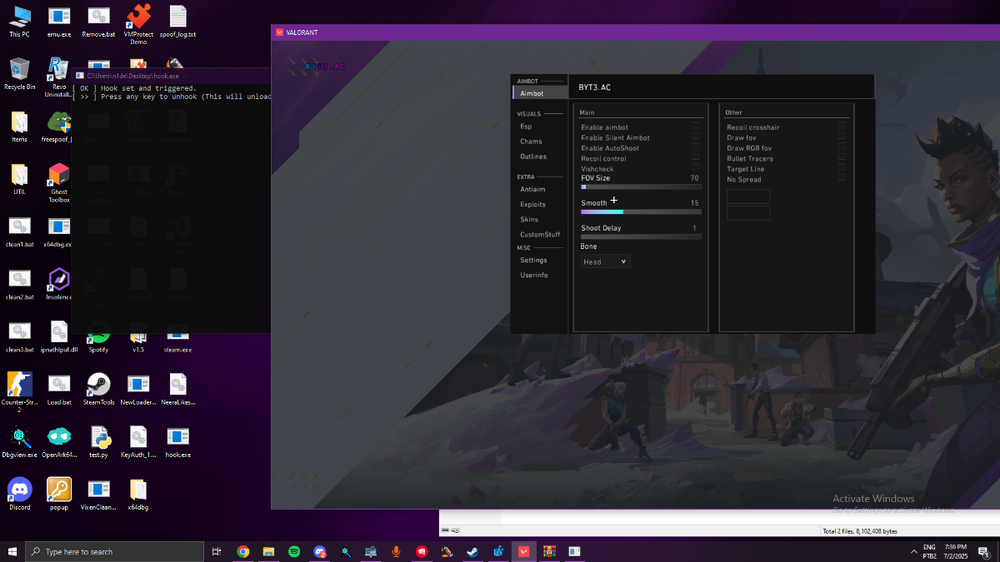
  7. Use at own Risk... It dump like all driver like all efforts goes to This person (Leqira) Lewoz Rovida Jinx Neura unk (ghosty) sense VoidCode Vgc Services vista link.txt

Important Information

Terms of Use

Account

Navigation

Search

Search

Configure browser push notifications

Chrome (Android)
  1. Tap the lock icon next to the address bar.
  2. Tap Permissions → Notifications.
  3. Adjust your preference.
Chrome (Desktop)
  1. Click the padlock icon in the address bar.
  2. Select Site settings.
  3. Find Notifications and adjust your preference.